

 Managed Sync
 ActionKit
 Workflows
Paragon Skill
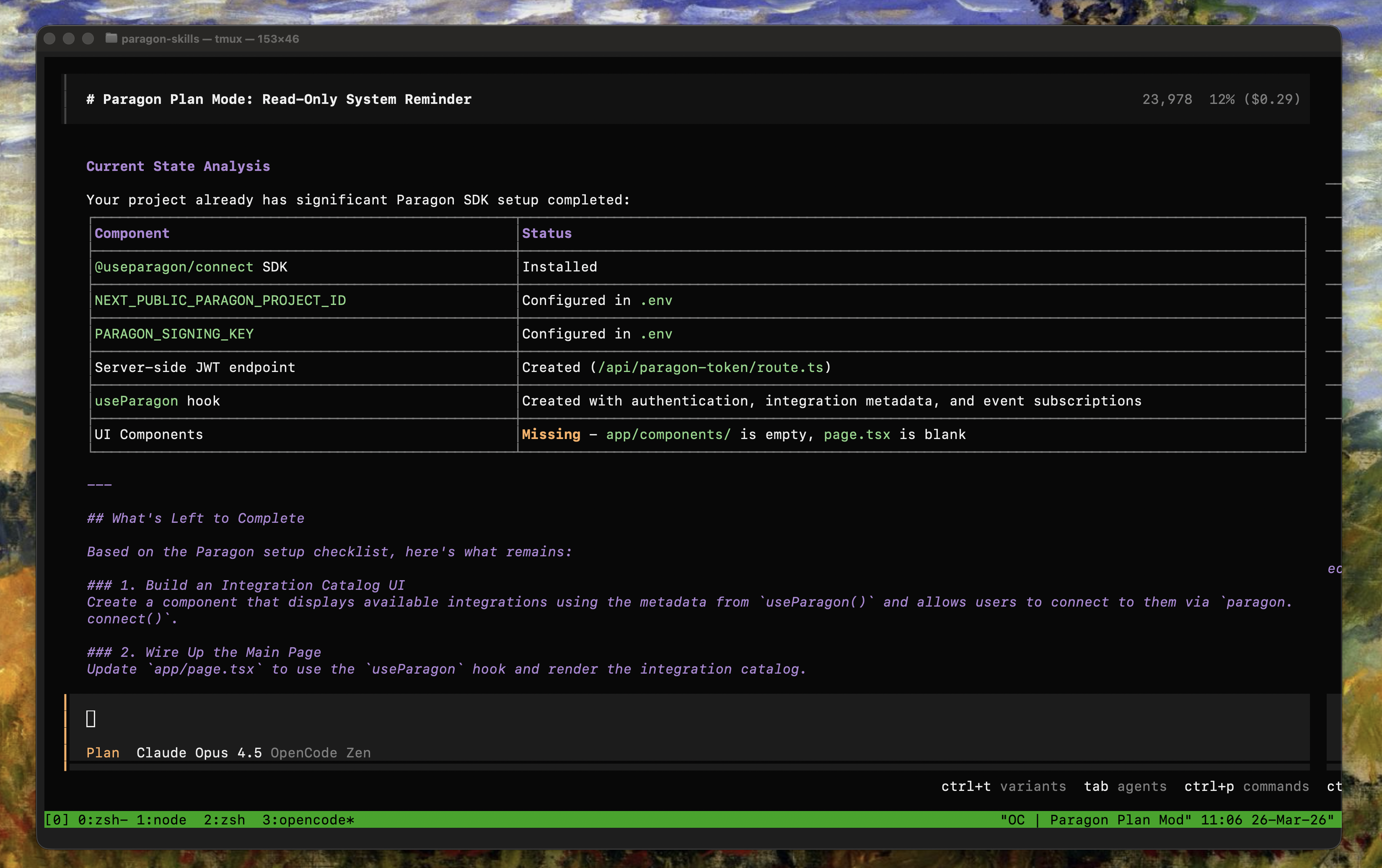
The Paragon Skill is used within your coding agent (Claude Code, Cursor, Codex, OpenCode, etc.) to help you set up Paragon in your application. The Paragon Skill provides your agent with context on how to:- Set up the Paragon SDK.
- Embed the Connect Portal, a prebuilt component to guide your users through integration connection flows.
Getting Started
Recommended: Installing via the Skills CLI
Thenpx skills CLI by Vercel automatically adds the Paragon Skill for the most popular agentic IDEs.
Alternative: Manual Installation
-
Navigate to the
skills/directory for your agentic IDE of choice, e.g. -
Clone the Paragon Skills Repo in the
skills/directory:
Using the Skill
Your agent should naturally detect when the Paragon Skill is needed. In some cases, it may be useful to reference the skill directly by name (i.e. “Using the Paragon Setup Skill…” or “/paragon-setup-skill”).Starter Prompts
Add the Paragon SDK
Build an integration catalog
Add JWT signing