Documentation Index
Fetch the complete documentation index at: https://docs.useparagon.com/llms.txt
Use this file to discover all available pages before exploring further.
1. Add Google Drive to Paragon
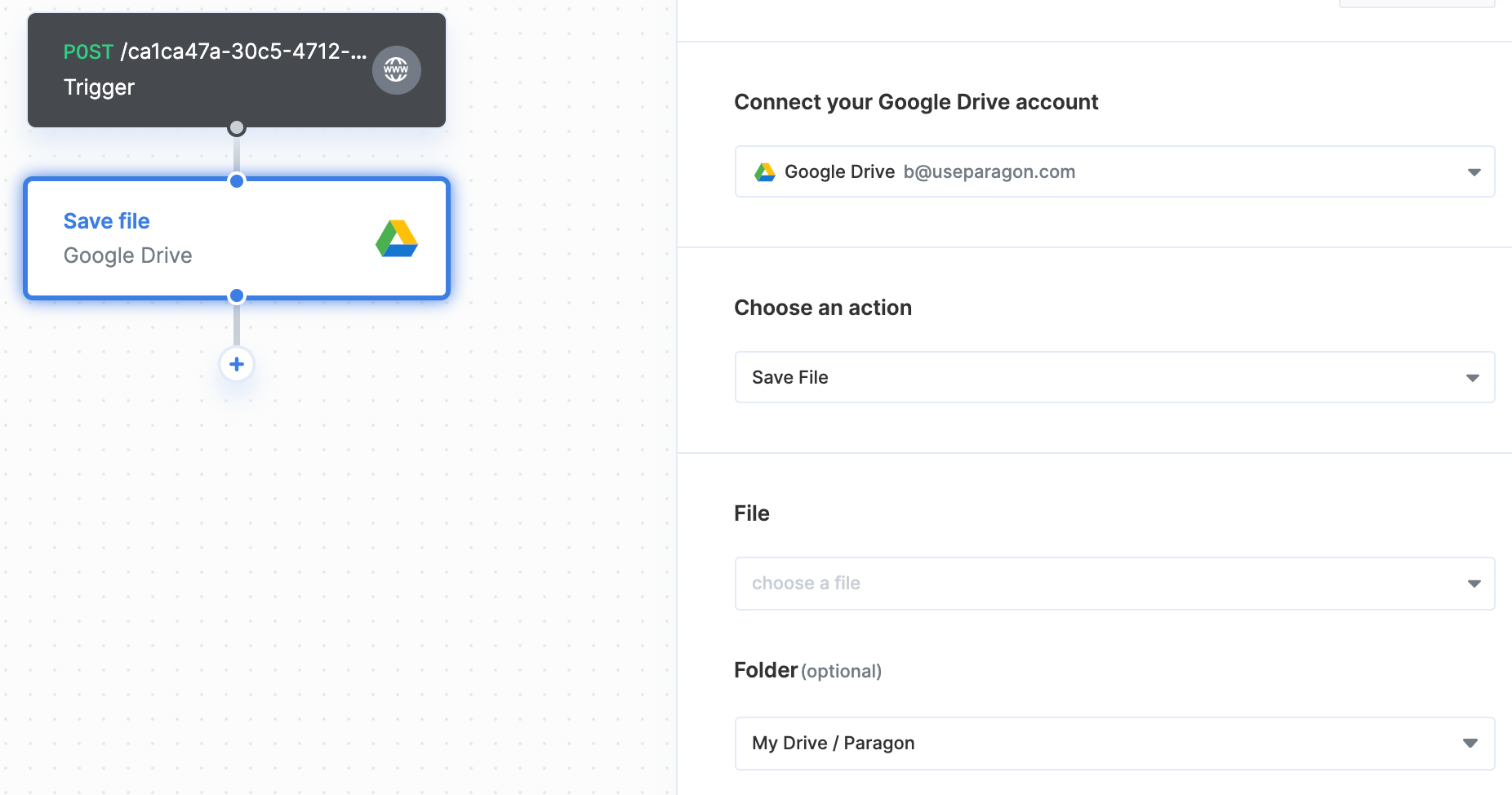
Click the ”+” button in the workflow canvas and choose Google Drive from the sidebar. Under Connect your Google Drive account, choose “Add new account for Google Drive” and select the Google account you want to connect to.2. Save files
Once your Google Drive account is connected, you can add steps to save files to Google Drive. Under File, you can use the dropdown menu to select a file from a previous step. Under Folder, choose the folder you want to save the file to.