Managed Sync
 ActionKit
 Workflows
1. Get Firebase Database URL, Project ID, and Service Account Details
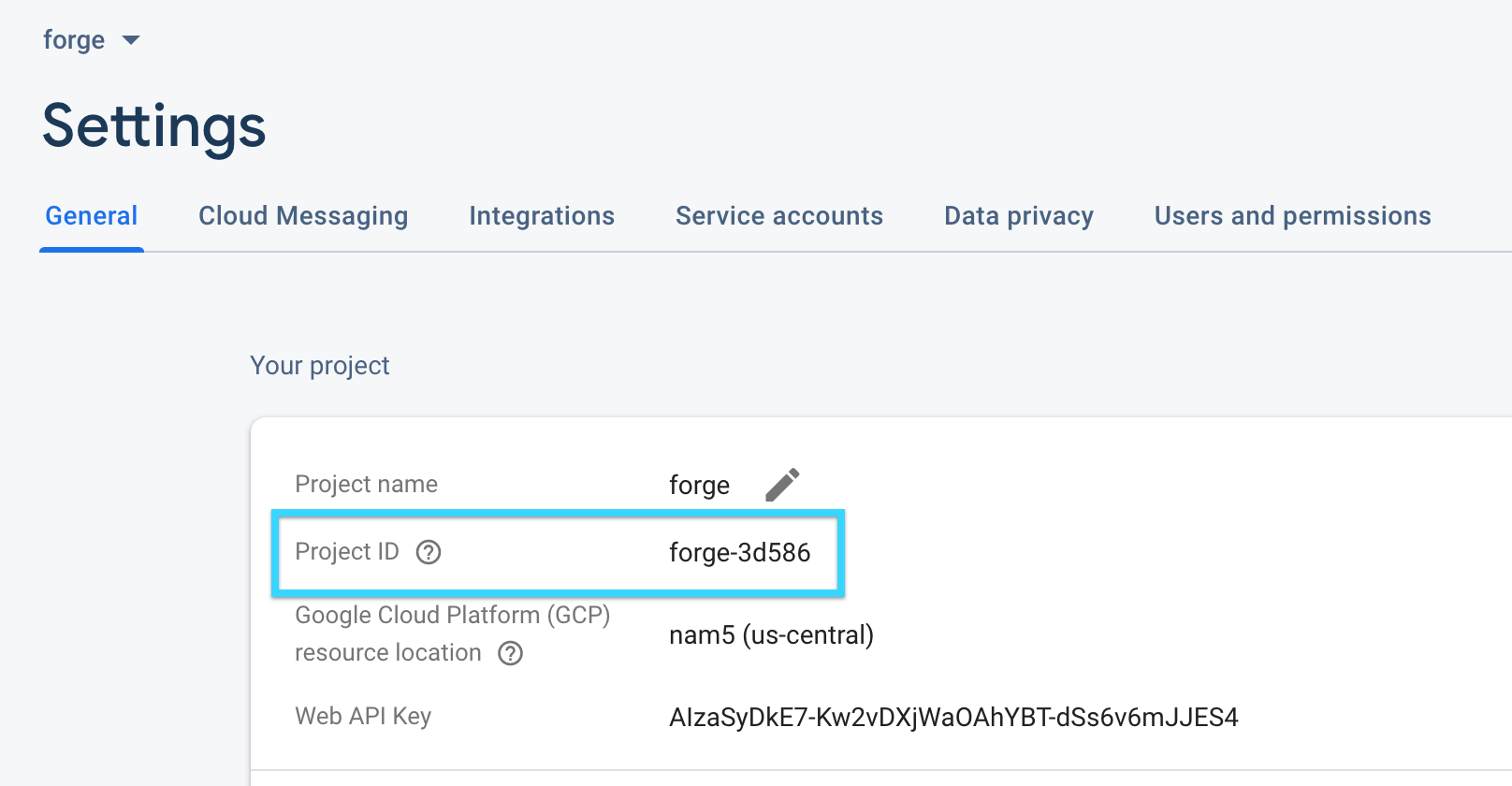
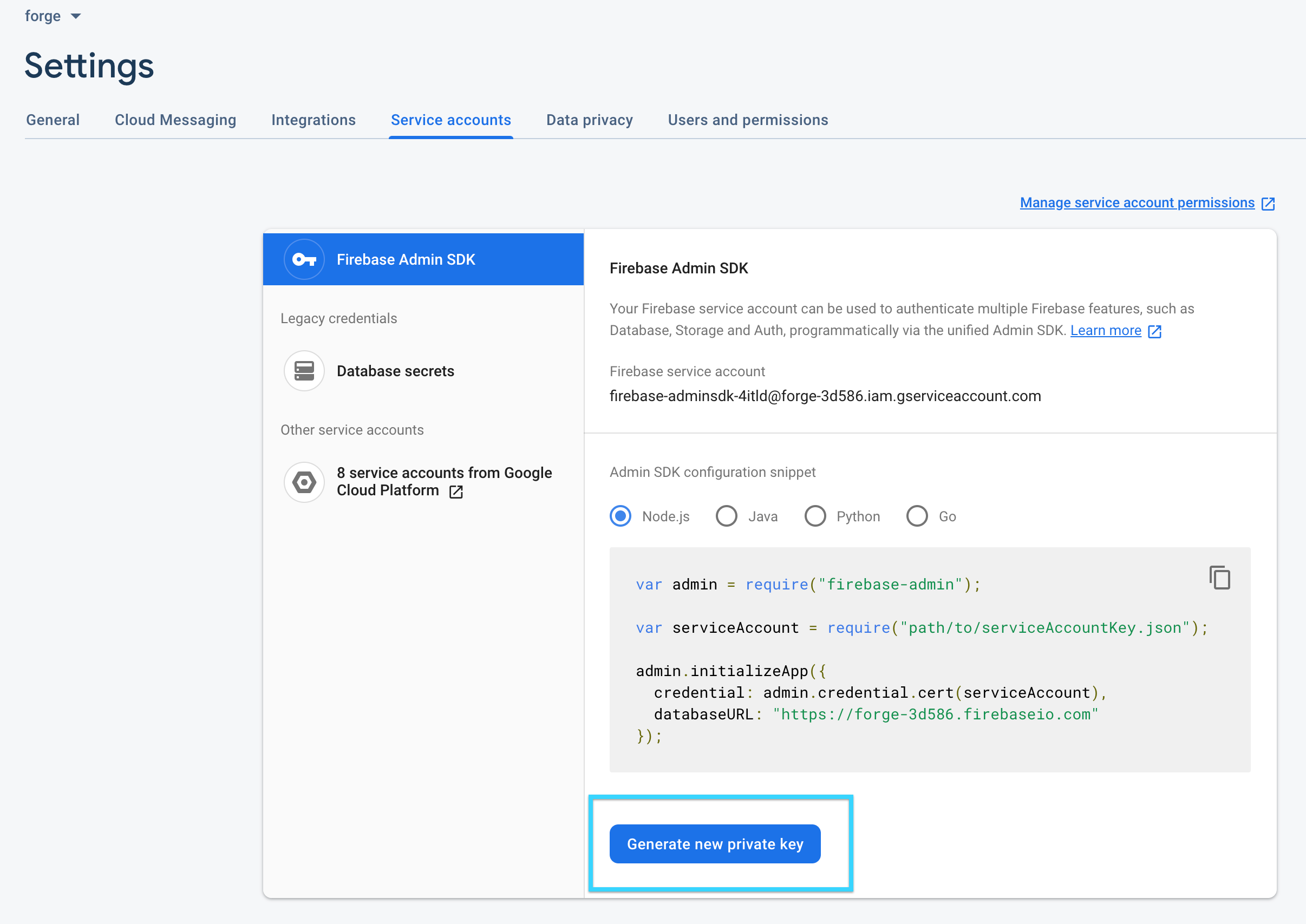
You can get your connection details from whoever set up your Firebase account. You can find your Project ID in the Settings page of your Firebase account. Your Firebase Database URL will usually behttps://<firebase-project-id>.firebaseio.com.
2. Add Firebase Paragon
Click the ”+” button in the workflow canvas and choose the PostgreSQL from the sidebar. Under Connect to a Firebase account, choose “Add new account for Firebase” and enter your Firebase Database URL and Project ID. Open the Service Account file you downloaded in the previous step and copy the entire JSON object under Add your Service Account with Firebase privileges.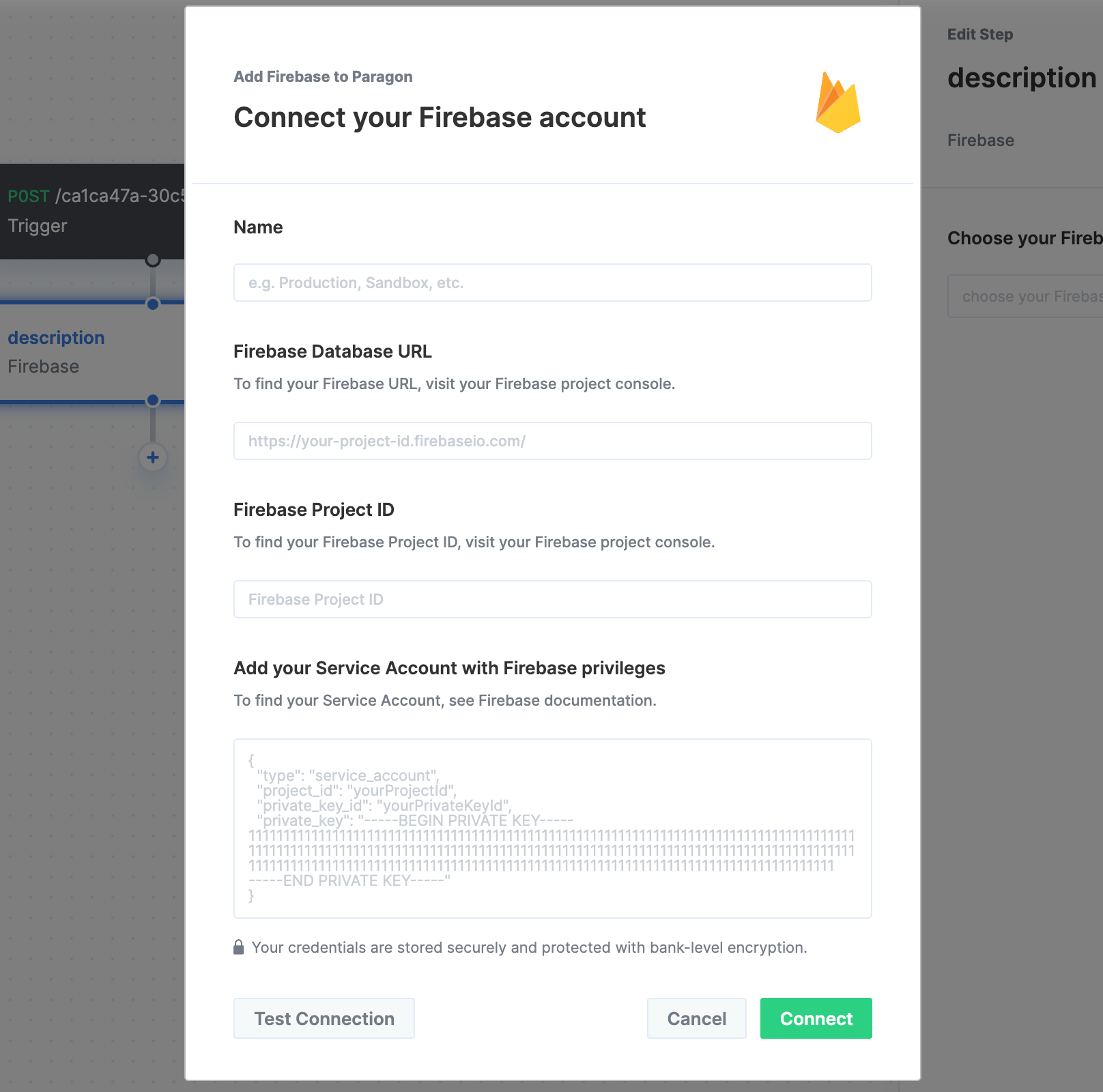
3. Query Firebase
Once your Firebase account is connected, you can add steps to perform the following actions:- Auth (User Management): Get user by UID
- Auth (User Management): Get user by email
- Auth (User Management): List users
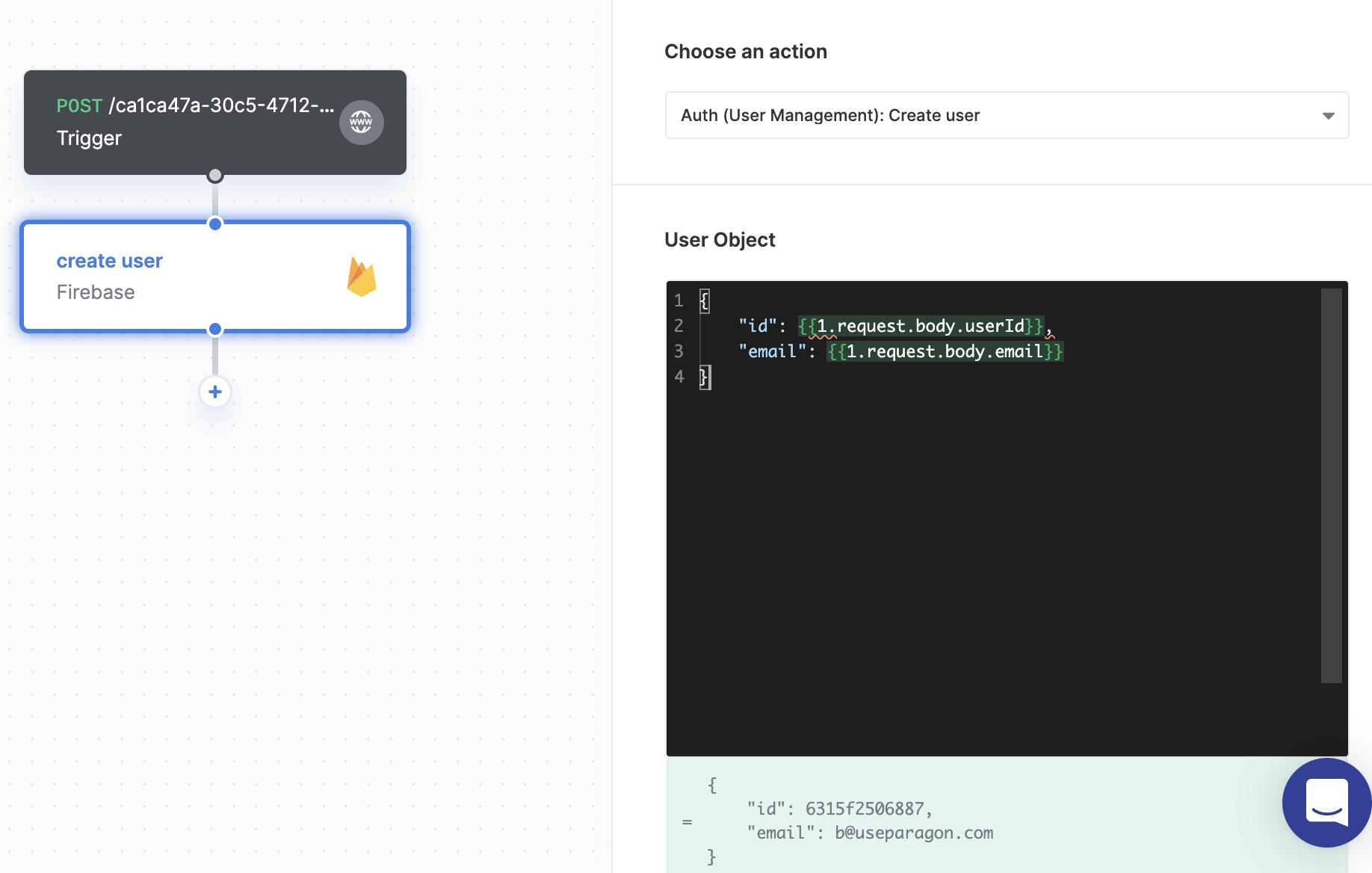
- Auth (User Management): Create user
- Auth (User Management): Update user
- Auth (User Management): Delete user
- Firestore: Query Firestore
- Firestore: Insert Document
- Firestore: Update Document
- Firestore: Get Document by ID
- Firestore: Delete Document
{{ to invoke the variable menu.