

 Managed Sync
 ActionKit
 Workflows
Required Setup
To configure a Sync for NetSuite, your connecting users will need to configure NetSuite Token-Based Authentication (TBA). Verify that your App Configuration for your NetSuite integration is set to use this authentication type: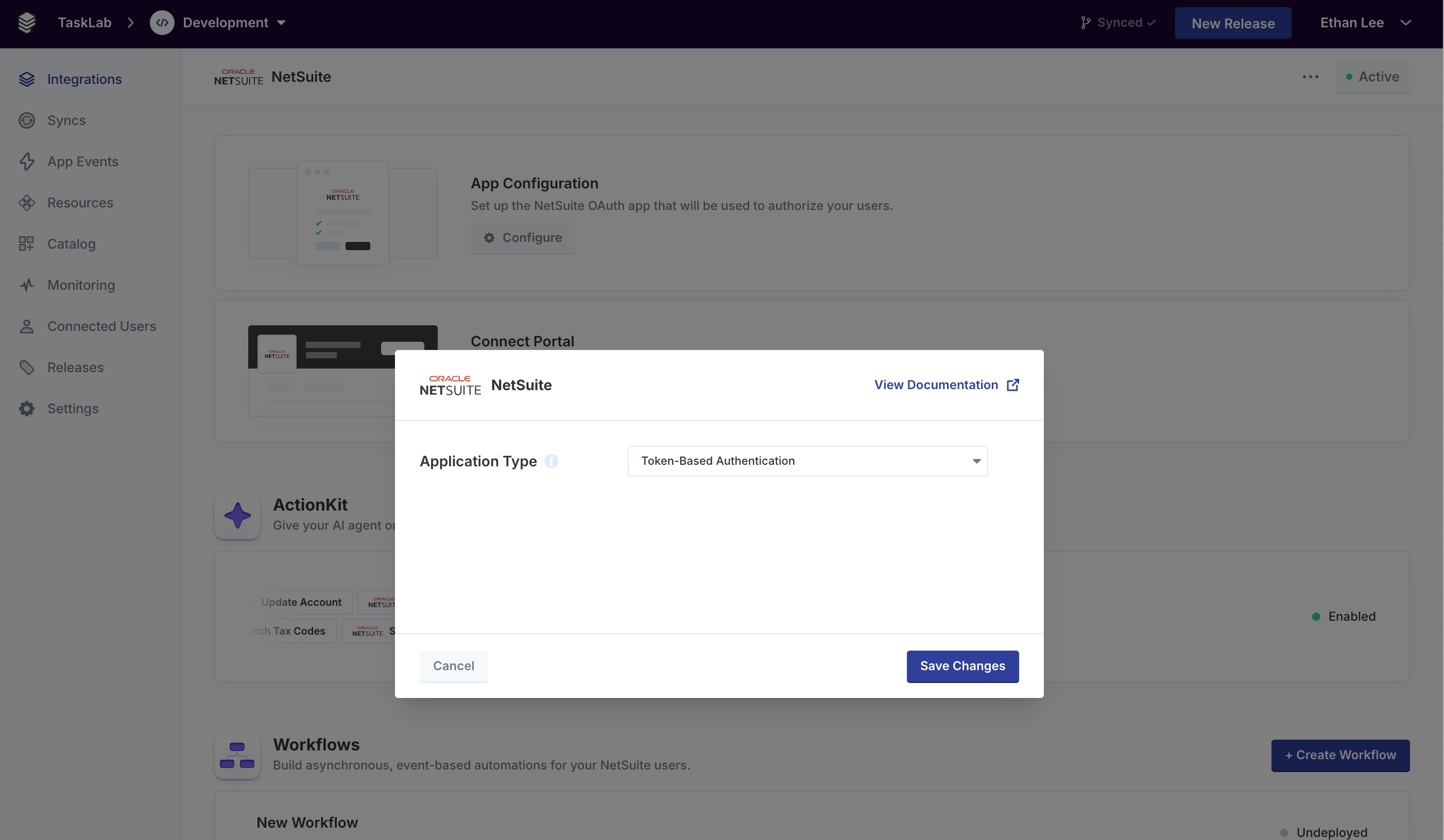
Paragon’s standard NetSuite setup supports three other authentication strategies (Authorization Code, Client Credentials, and Client Credentials with User Certificates), but the NetSuite sync pipeline requires Token-Based Authentication (TBA).For details on configuring authentication, see Connecting to NetSuite.
- Set Accessible Subsidiaries to All and turn on Allow Cross-Subsidiary Record Viewing.
- In Permissions, set:
- Lists > Contacts: at least View
- Lists > [any List type to sync]: at least View
- Setup > SOAP Web Services: Full
- Setup > User Access Tokens: Full
- Setup > Log in using Access Tokens: Full
- Setup > CRM Lists: at least View
- Setup > Other Lists: at least View
Synced Objects
NetSuite supports the following Synced Objects:Contacts
Sync Configuration Options
Example
string
The ID of a NetSuite saved search to limit the Sync scope to. If not specified, the Sync will ingest all available contacts from the user’s NetSuite account.The saved search must include the Internal ID column for Paragon to identify records.
Field mapping
Custom Objects
Use thecustom_objects pipeline to sync any NetSuite record type that is not natively supported, such as other standard records like customer, vendor, or salesOrder.
Sync Configuration Options
Example
string
required
The NetSuite record type to sync, e.g.,
customer, vendor, salesOrder.string
The ID of a NetSuite saved search to limit the Sync scope to. If not specified, the Sync will ingest all available records of the configured
recordType from the user’s NetSuite account.The saved search must include the Internal ID column for Paragon to identify records.