> ## Documentation Index
> Fetch the complete documentation index at: https://docs.useparagon.com/llms.txt
> Use this file to discover all available pages before exploring further.
# Workflows
> Workflows allow you to build and automate complex integration logic across your SaaS stack—without managing infrastructure or writing custom code.
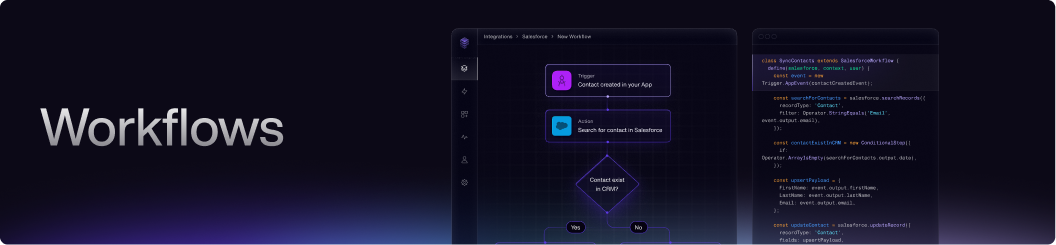 **Workflows** allow you to automate and orchestrate complex integration logic across your SaaS stack—without managing infrastructure or writing custom code. With Workflows, you can design multi-step automations that connect your app to the tools your users rely on, all through an intuitive builder.
## Build Your Way
Paragon Workflows are designed for ultimate flexibility. You can build and manage workflows in two fully interchangeable ways:
### Workflow Builder (UI)
Use our intuitive drag-and-drop [Workflow Builder](/workflows/building-workflows) to visually create, edit, and manage your automations—no code required.
**Workflows** allow you to automate and orchestrate complex integration logic across your SaaS stack—without managing infrastructure or writing custom code. With Workflows, you can design multi-step automations that connect your app to the tools your users rely on, all through an intuitive builder.
## Build Your Way
Paragon Workflows are designed for ultimate flexibility. You can build and manage workflows in two fully interchangeable ways:
### Workflow Builder (UI)
Use our intuitive drag-and-drop [Workflow Builder](/workflows/building-workflows) to visually create, edit, and manage your automations—no code required.
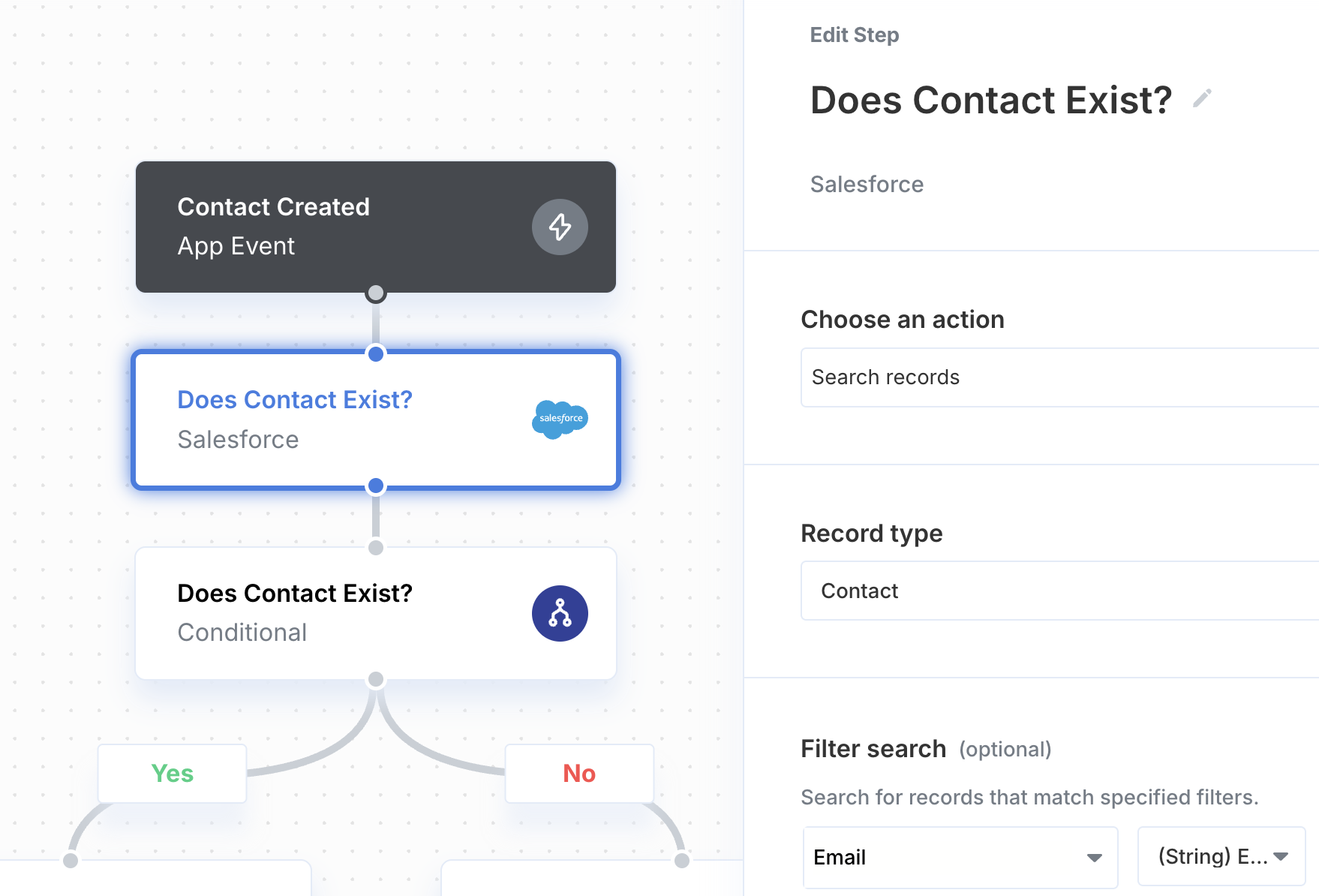 }>
Learn more about building workflows in the Workflow Builder.
### Paragraph (Code)
Prefer code? Harness the full power of our TypeScript framework, [Paragraph](/paragraph/getting-started), to define workflows programmatically with complete control and flexibility.
}>
Learn more about building workflows in the Workflow Builder.
### Paragraph (Code)
Prefer code? Harness the full power of our TypeScript framework, [Paragraph](/paragraph/getting-started), to define workflows programmatically with complete control and flexibility.
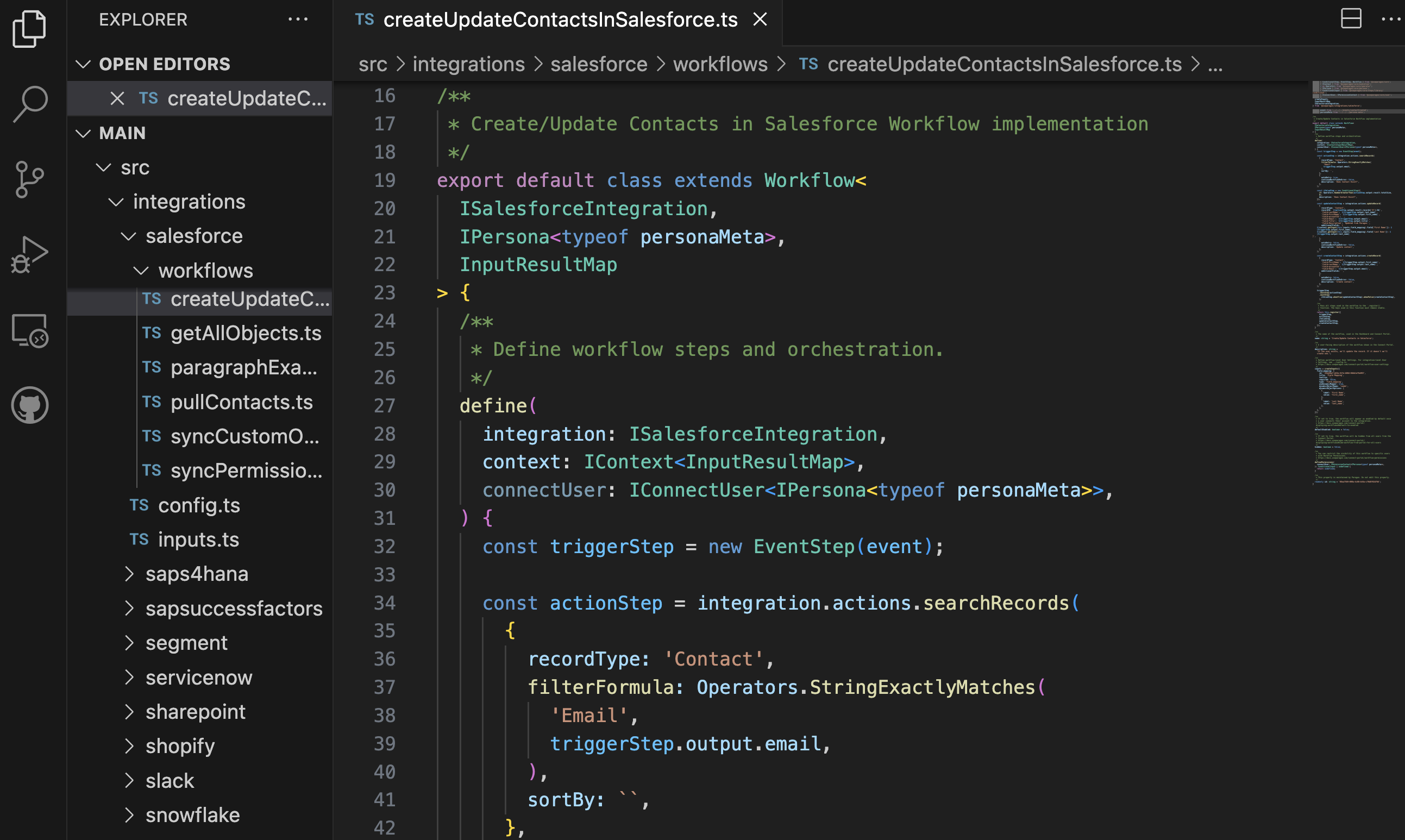 }>
Learn more about building workflows in Paragraph.
You can **switch between the UI and code at any time**. Changes made in one are reflected in the other, so you're never locked into a single approach. Choose the method that fits your workflow, your team, and your preferences.
}>
Learn more about building workflows in Paragraph.
You can **switch between the UI and code at any time**. Changes made in one are reflected in the other, so you're never locked into a single approach. Choose the method that fits your workflow, your team, and your preferences.