> ## Documentation Index
> Fetch the complete documentation index at: https://docs.useparagon.com/llms.txt
> Use this file to discover all available pages before exploring further.
# Embedded Workflow Builders
> Let your users create powerful automations through your intuitive, no-code interface.
## Overview
If you are building workflow orchestration or automation features into your product, Paragon will enable your team to easily scale the number of 3rd-party integrated actions your product can support.
## Fully-Managed Authentication
Paragon handles all authentication seamlessly, from OAuth flows to token refresh, while keeping your users' credentials secure. Your engineering team can focus on building great products, not managing authentication.
Quickly enable your users to connect their apps with a pre-built, customizable portal—no code required.
Leverage your own UI to create a fully custom integration experience tailored to your product.
## Product Highlight: ActionKit
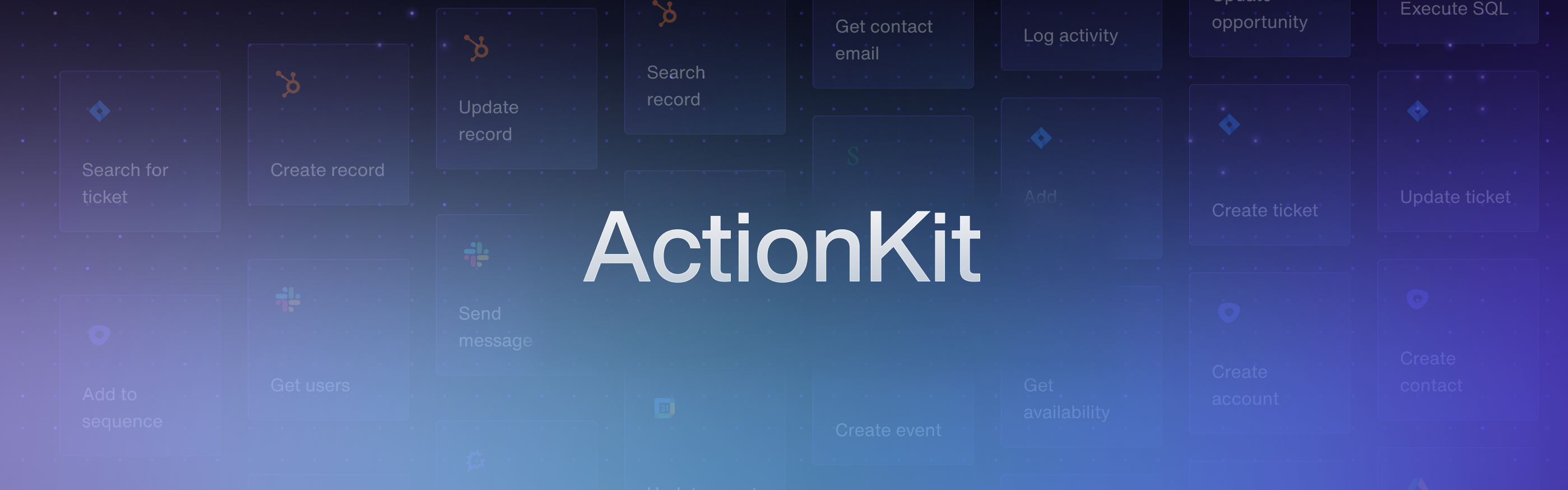
ActionKit is purpose-built for providing your workflow builder the ability to interact with your users' favorite apps through your intuitive, no-code interface. With ActionKit, you can empower customers to create powerful automations to perform actions across their apps.
}>
Learn more about embedding 3rd-party integration actions into your workflow builder using ActionKit in our comprehensive overview.
## Observability
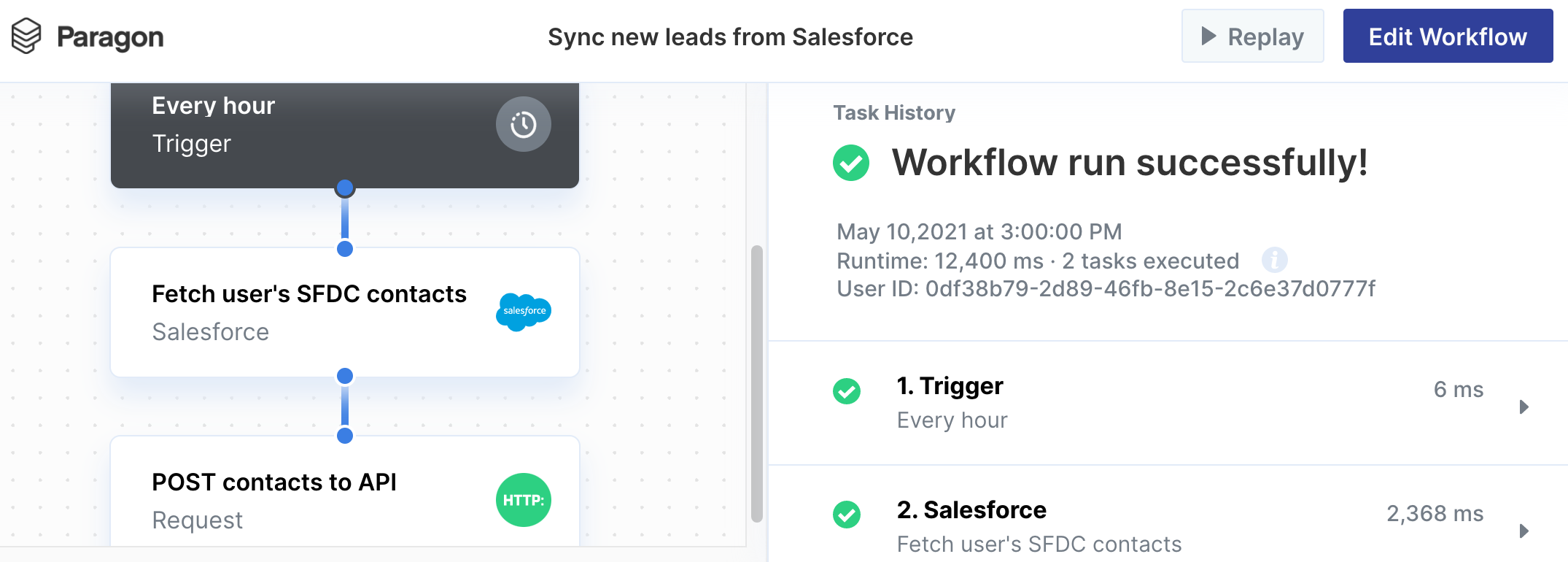
View detailed logs for every integration step in your workflow builder for all of your customers with the **Monitoring** page.
}>
Learn more about viewing execution history in our comprehensive overview.
## Monitoring
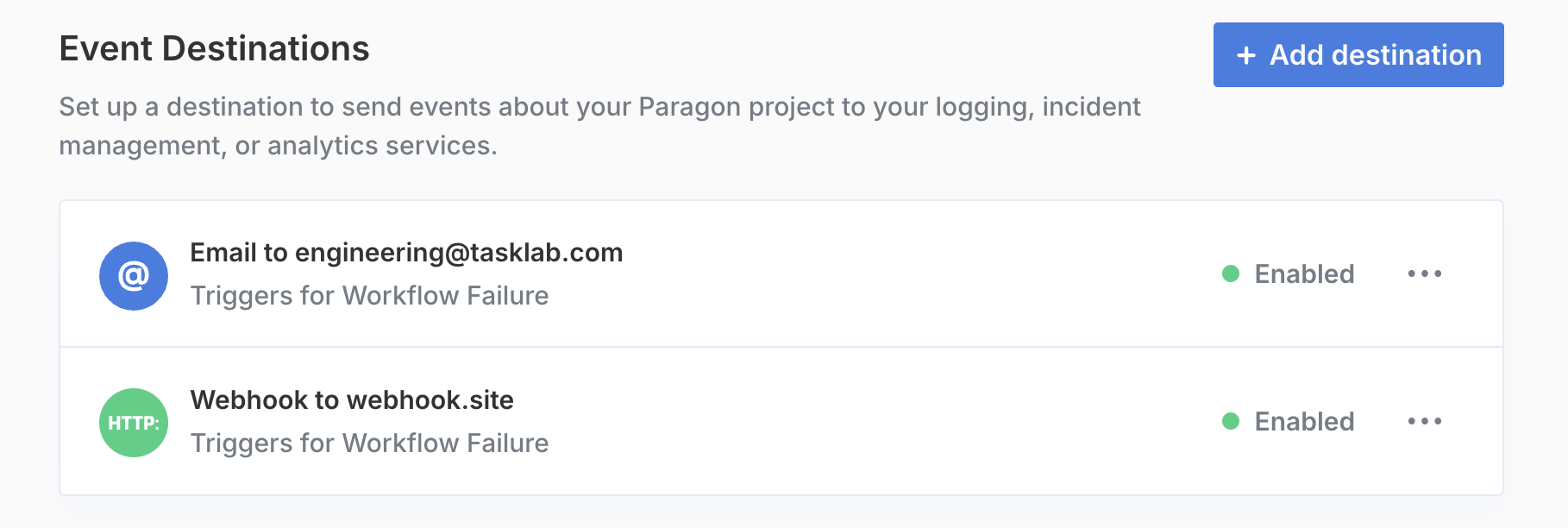
Send error logs to any of the services your team uses internally for monitoring your own application with Event Destinations.
}>
Learn more about sending logs to the services your team uses internally.
## Wrapping Up
Our team has built solutions that empower our customers to build out integrations for agentic tool calling. To learn more about how Paragon can enable your application to perform actions across integrations and our exciting new AI-focused features, [book a demo](https://www.useparagon.com/book-demo) or reach out to your Customer Success Manager to schedule some time with our team.
### Next Steps
1. [Sign up for Paragon](https://dashboard.useparagon.com/signup)
2. [Book a technical demo](https://calendly.com/useparagon/paragon-technical-demo) to see how we can help scale your workflow builder.
 ActionKit is purpose-built for providing your workflow builder the ability to interact with your users' favorite apps through your intuitive, no-code interface. With ActionKit, you can empower customers to create powerful automations to perform actions across their apps.
 View detailed logs for every integration step in your workflow builder for all of your customers with the **Monitoring** page.
 Send error logs to any of the services your team uses internally for monitoring your own application with Event Destinations.