> ## Documentation Index
> Fetch the complete documentation index at: https://docs.useparagon.com/llms.txt
> Use this file to discover all available pages before exploring further.
# Sending Events to New Relic
> Send notifications from your Paragon project into New Relic.
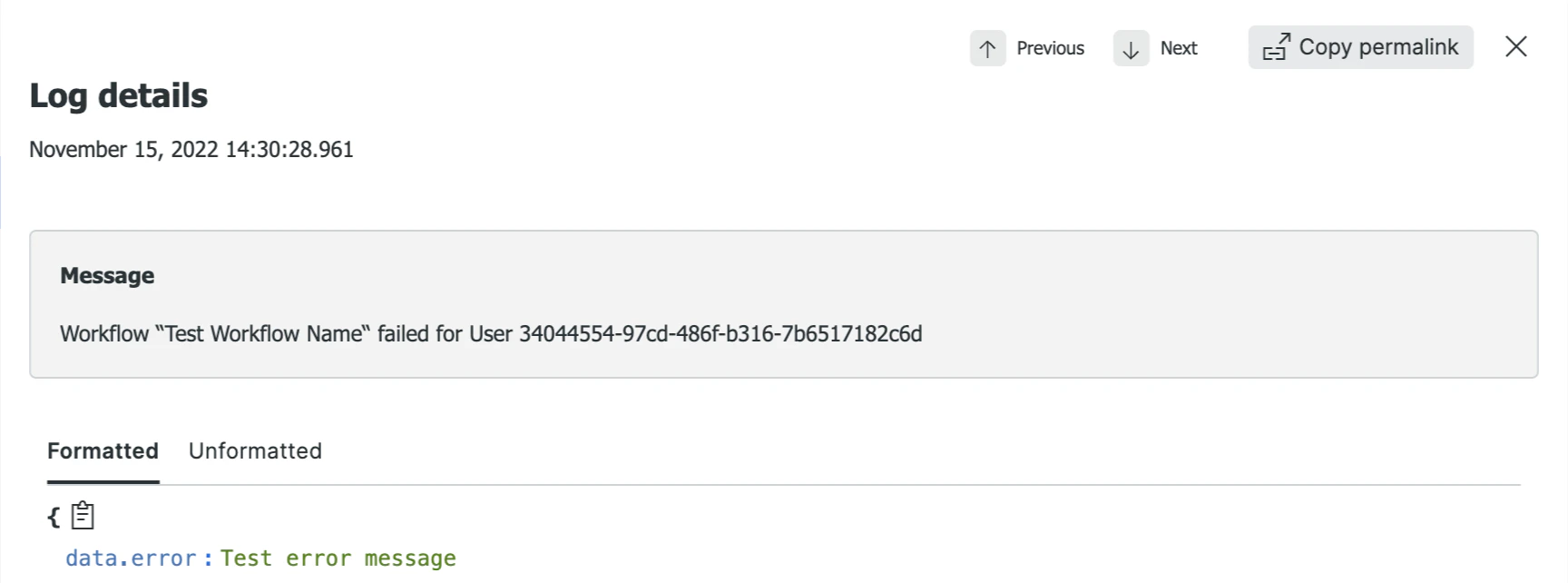
You can configure a Webhook Destination with a preconfigured payload to send messages into New Relic when events, like workflow failures, occur in your Paragon project.
 **Webhook Destinations are available for Paragon customers on Pro and Enterprise plans.** To learn more, contact your Customer Success Manager or [sales@useparagon.com](mailto:sales@useparagon.com).
## Configure New Relic
To send notifications to New Relic, you will need to add an API Key to your New Relic project:
1. In the bottom right menu of your New Relic account, navigate to **API Keys.**
**Webhook Destinations are available for Paragon customers on Pro and Enterprise plans.** To learn more, contact your Customer Success Manager or [sales@useparagon.com](mailto:sales@useparagon.com).
## Configure New Relic
To send notifications to New Relic, you will need to add an API Key to your New Relic project:
1. In the bottom right menu of your New Relic account, navigate to **API Keys.**
.png?fit=max&auto=format&n=jCM_Y_j0HttScr1R&q=85&s=68e8461770a56bcb584dd67c867a1370) 2. Click **Create Key** and specify "Ingest - License" for the key type. Name the key something recognizable, like "Paragon".
3. Click the "..." menu next to the new key and click **Copy Key**. You will need this value to add the Event Destination below.
## Create Event Destination
*To create an Event Destination with New Relic, you will need to have followed the above steps to obtain a **New Relic API Key.***
1. From the Settings > Monitoring page, click the **Add Destination** button at the top right.
2. In the **Type** field, select **Webhook (HTTP Request).**
3. Click "Select Template" next to **Request Payload** and select **New Relic**.
4. In the **Request Headers** table, replace `` with your **New Relic API Key**.
5. Click **Test Webhook** to verify that a log can be sent successfully to your New Relic instance.
6. Click **Save** to create and enable the Event Destination.
2. Click **Create Key** and specify "Ingest - License" for the key type. Name the key something recognizable, like "Paragon".
3. Click the "..." menu next to the new key and click **Copy Key**. You will need this value to add the Event Destination below.
## Create Event Destination
*To create an Event Destination with New Relic, you will need to have followed the above steps to obtain a **New Relic API Key.***
1. From the Settings > Monitoring page, click the **Add Destination** button at the top right.
2. In the **Type** field, select **Webhook (HTTP Request).**
3. Click "Select Template" next to **Request Payload** and select **New Relic**.
4. In the **Request Headers** table, replace `` with your **New Relic API Key**.
5. Click **Test Webhook** to verify that a log can be sent successfully to your New Relic instance.
6. Click **Save** to create and enable the Event Destination.