> ## Documentation Index
> Fetch the complete documentation index at: https://docs.useparagon.com/llms.txt
> Use this file to discover all available pages before exploring further.
# Connected Users
> Learn how Connected Users are counted in Paragon.
Connected Users represent your customers that are connected to integrations in Paragon. A Connected User typically represents an organization, but can be implemented to represent any entity, such as an individual user.
Each Connected User is a **unique User ID connected to at least 1 integration.** A User ID is the subject (`sub`) field of the Paragon User Token used to [authenticate to the API or SDK](/getting-started/installing-the-connect-sdk#3.-call-paragon.authenticate).
You can view and manage your Connected Users in the Paragon dashboard. Learn more in [Managing Connected Users](/monitoring/users).
 ## Connected User limits and pricing
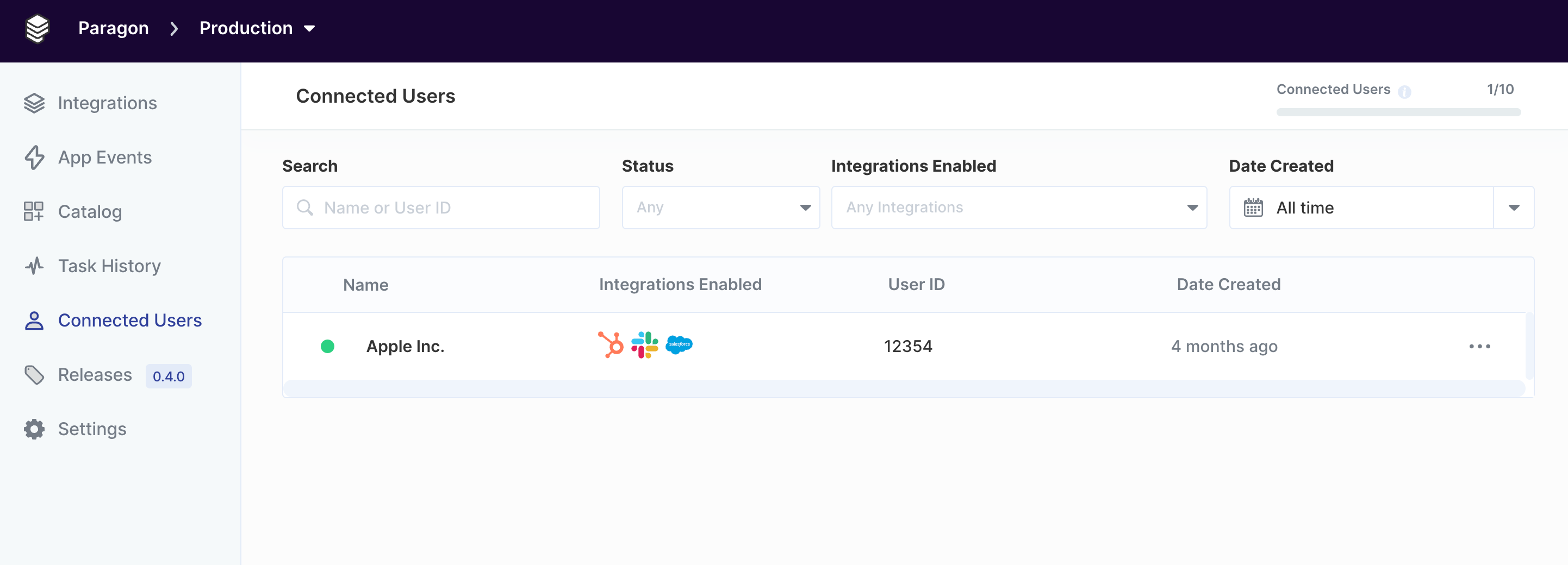
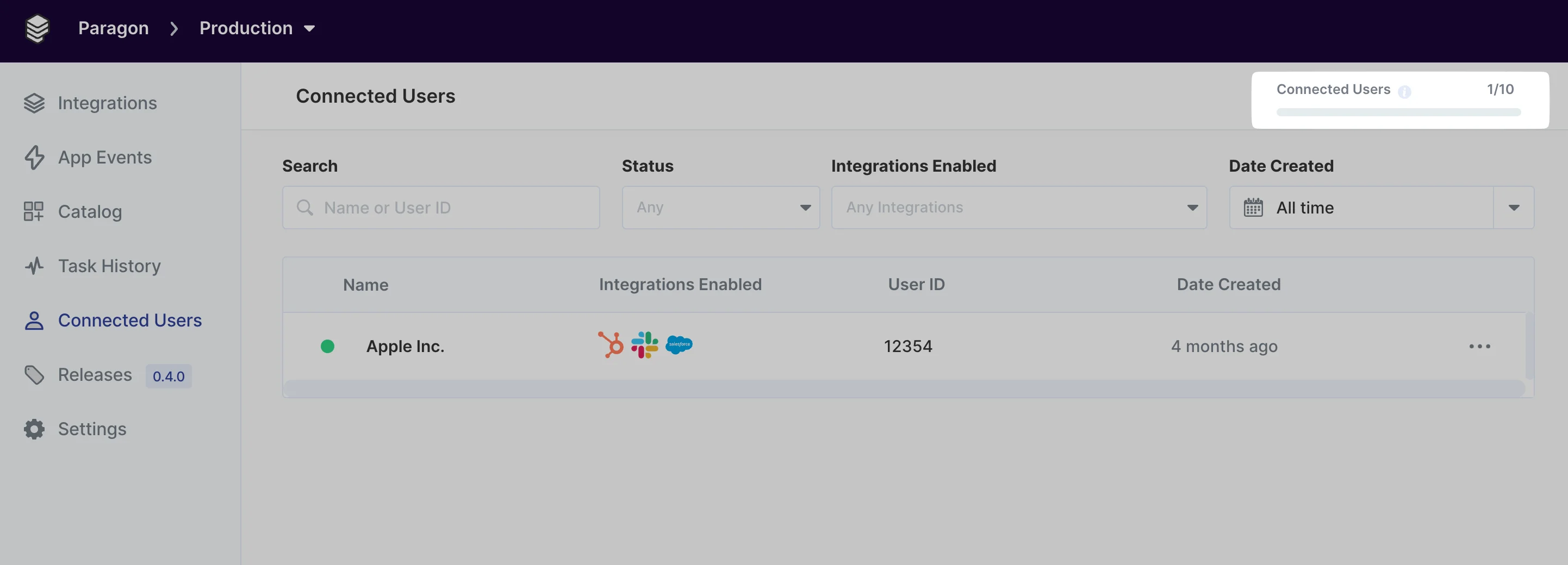
Your Paragon subscription includes a limit on Connected Users. You can view this limit and current usage in the header of the [Connected Users Dashboard](/monitoring/users).
## Connected User limits and pricing
Your Paragon subscription includes a limit on Connected Users. You can view this limit and current usage in the header of the [Connected Users Dashboard](/monitoring/users).
 All [Admin users](/managing-account/teams#managing-roles-and-permissions) in your organization will receive automated email notifications when your usage reaches 70%, 85%, and 100% of your Connected Users limit.
### What happens if I reach my Connected Users limit?
When you exceed this limit, new Connected Users will be unable to connect integrations. **Existing Connected Users will *****not***** be impacted**, and Workflows for existing Connected Users will continue to run.
You can reduce your usage of Connected Users by deleting inactive users from the [Connected Users Dashboard](/monitoring/users).
To upgrade your Paragon subscription to a higher usage tier for Connected Users, [contact Sales](mailto:sales@useparagon.com) or reach out to your Account Manager.
All [Admin users](/managing-account/teams#managing-roles-and-permissions) in your organization will receive automated email notifications when your usage reaches 70%, 85%, and 100% of your Connected Users limit.
### What happens if I reach my Connected Users limit?
When you exceed this limit, new Connected Users will be unable to connect integrations. **Existing Connected Users will *****not***** be impacted**, and Workflows for existing Connected Users will continue to run.
You can reduce your usage of Connected Users by deleting inactive users from the [Connected Users Dashboard](/monitoring/users).
To upgrade your Paragon subscription to a higher usage tier for Connected Users, [contact Sales](mailto:sales@useparagon.com) or reach out to your Account Manager.