> ## Documentation Index
> Fetch the complete documentation index at: https://docs.useparagon.com/llms.txt
> Use this file to discover all available pages before exploring further.
# Outreach Integration
> Find, create, and update records in Outreach from Paragon.
## 1. Add Outreach to Paragon
Click the "+" button in the workflow canvas and choose Outreach from the sidebar. Under **Connect your Outreach account**, choose "Add new account for Outreach" and select the Outreach account you want to connect to.
## 2. Query Outreach
Once your Outreach account is connected, you can add steps to perform the following actions:
* Create Account
* Update Account
* Get Accounts
* Get Account by ID
* Create Opportunity
* Update Opportunity
* Get Opportunities
* Get Opportunity by ID
* Create Prospects
* Update Prospect
* Get Prospects
* Get Prospect by ID
* Add Prospect to Sequence
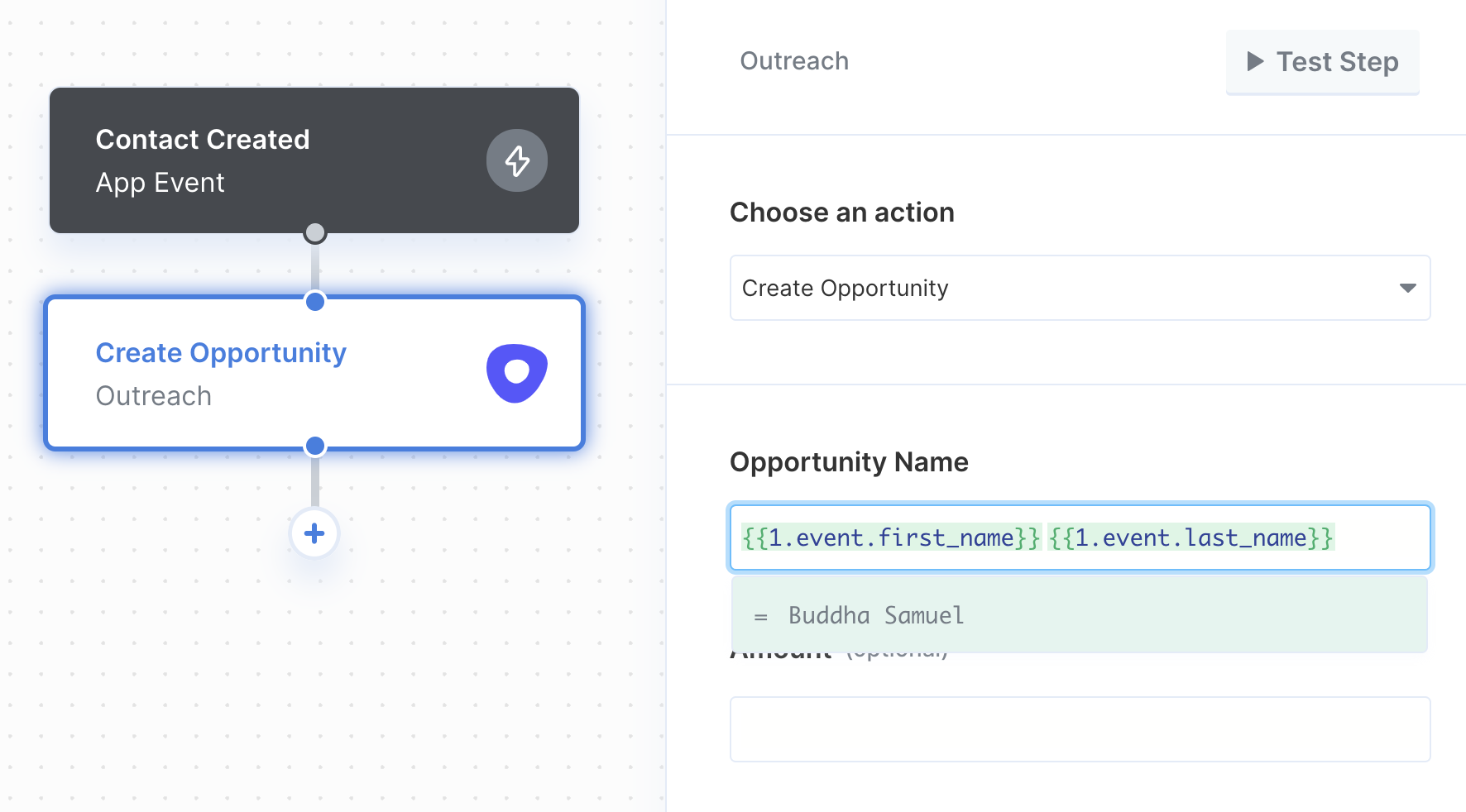
When creating or updating events in Outreach, you can reference data from previous steps by typing `{{` to invoke the variable menu.