> ## Documentation Index
> Fetch the complete documentation index at: https://docs.useparagon.com/llms.txt
> Use this file to discover all available pages before exploring further.
# HubSpot Integration
> Find, create, or update records in HubSpot with Paragon.
## Setup Guide
### 1. Add HubSpot to Paragon
Click the "+" button in the workflow canvas and choose HubSpot from the sidebar. Under **Choose your HubSpot account**, select "Add new account for HubSpot" and log in to the HubSpot account you want to connect to.
### 2. Query HubSpot
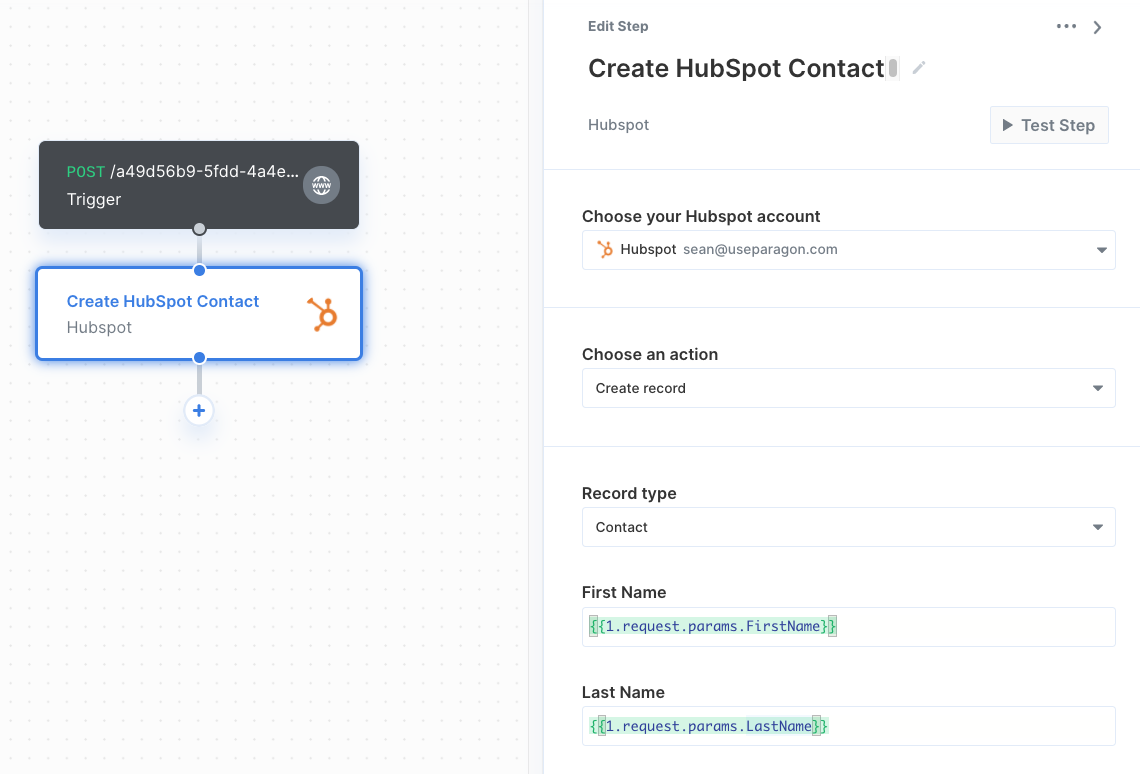
Once your HubSpot account is connected, you can add steps to perform the following actions:
* Create record
* Update record
* Delete record
* Get record by ID
* Search records
* Create Engagement
When creating or updating records in HubSpot, you can reference data from previous steps by typing `{{` to invoke the variable menu.